
Partners · Developers3 min read
Share the product or connect a business
Find referral resources and understand where business integrations belong.
Use it for
- Introduce the product to your community
- Find approved marketing resources
- Explore a language assistant for a business website
Inside the app Enlarge
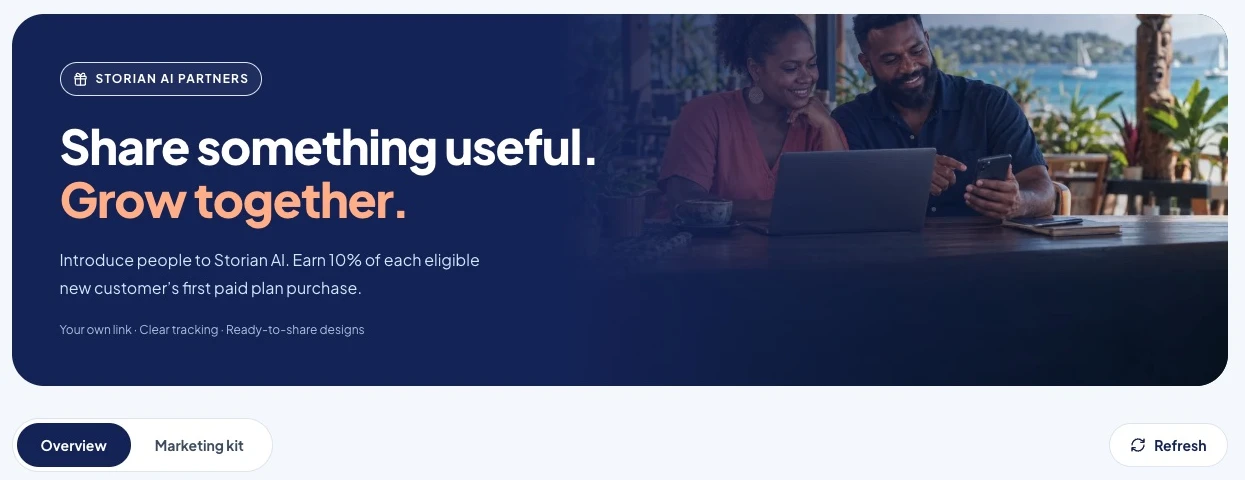
- 1Partners: referral information and resources
- 2Your referral link: share with permission
- 3Developers: integration guide
How to use it
- 1
Read the partner information
Open Partners to understand eligibility, referral terms and the resources currently available. Sign in for account-specific tools.
- 2
Use your own link
Use the referral link supplied to your account. Share it in appropriate places with a clear explanation, and follow the programme’s current terms.
- 3
Explore integrations separately
Business integrations are available through Local Language Lab. Its account and API billing are separate from your consumer subscription.
Good to know
- Referral rewards depend on the current programme terms; they are not guaranteed income.
- Never put private API keys in public pages or messages.
- The professional recording Studio is staff-only. It is not the public read-aloud or video tool.